I spent six years paying for Audible and somewhere in the middle of it a thought arrived that refused to leave, which is that I did not own a single one of the forty books in my library. I had purchased them, with money, one by one, and what I actually owned was a license to stream them through one company’s app for as long as that company kept the license agreement going, because every file sits behind DRM and every player that could open them is one that company controls. When I did the math on two hundred rupees a month across six years, the number was more than the cost of the little server that now holds all my media, and the books were still not mine.
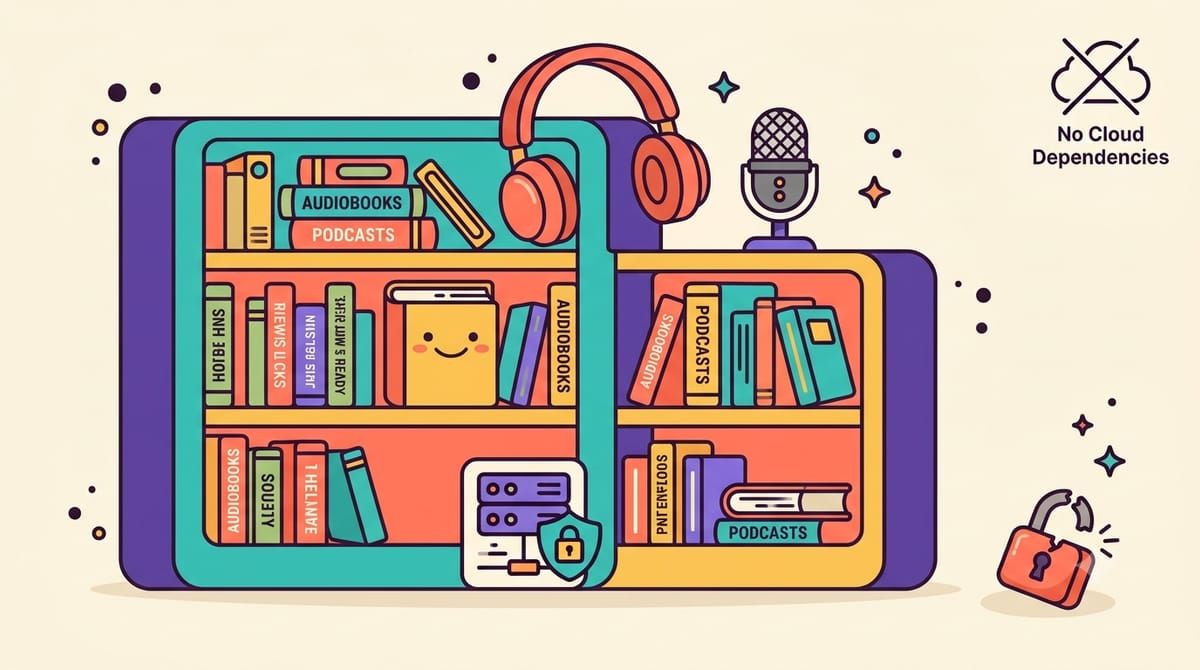
Audiobookshelf is the open-source answer, a self-hosted audiobook and podcast server that streams your actual files to your actual devices, fourteen thousand stars on GitHub, fully open-source including the mobile apps, and it does the things Audible does, per-book progress that syncs between your phone and the web player, chapters, playback speed that remembers itself, sleep timers, a proper library with cover art and metadata, except the files underneath are plain m4b and mp3 that any player on earth could open.
Getting books without DRM is easier than the industry wants you to think. Libro.fm and Downpour sell audiobooks as plain files, a lot of authors sell directly from their own sites, your library card probably unlocks Libby for free borrowing, and every podcast on the planet is already DRM-free by definition. I ripped a shelf of old CDs one weekend with Exact Audio Copy, the same tool I used for my music collection, and bought the last three books from the authors directly, often at prices below what Audible charges for its credits.
The compose file is one service and four folders, and the folders matter more than the flags.
services:
  audiobookshelf:
    image: ghcr.io/advplyr/audiobookshelf:latest
    restart: unless-stopped
    ports:
      - "13378:13378"
    volumes:
      - ./audiobooks:/audiobooks
      - ./podcasts:/podcasts
      - ./config:/config
      - ./metadata:/metadata
    environment:
      TZ: Asia/Kolkata
The config and metadata volumes hold users and cover art and the daily automated backups of all that metadata, while audiobooks and podcasts are your actual media. On first load the app walks you through creating the root account and pointing at those folders as libraries, and then the one rule that separates a good experience from a broken one, folder structure is everything, because the server expects one folder per book named author then title, with the audio files inside, and it scans that structure to build the library, so a pile of random mp3s named track01 will make it guess badly. There is a built-in file browser and a metadata embedder, so I spent one afternoon renaming folders and merging loose files into single m4b books with chapters, and the library has organized itself ever since.
Podcasts are the feature I did not expect to care about, because you point the server at an RSS feed and it downloads new episodes automatically, keeps its own archive, and serves the whole thing through the same apps, which means my podcasts and audiobooks share one player and one progress bar and one offline queue. You can even publish an RSS feed of your own library, which is how I send specific books to family members who get them as a private podcast in whatever app they already use, no account on my server required.
The mobile apps are in open beta on both platforms, and the reverse proxy setup needs one thing remembered, the app requires a websocket connection, which Caddy handles automatically and most proxies do by default, so the progress sync feels instant the way it should. Chapter lookup runs against the Audnexus API and fills in chapter markers for books missing them, the ereader side handles epub and pdf and even sends books to a Kindle, and multi-user support means my partner’s listening progress never contaminates mine.
The honest tradeoff is that you become the library’s librarian, buying books as files and naming folders, where Audible sells convenience and keeps the keys. I will take the trade, because the subscription ends when I say it does, the files play in any player forever, and the collection survives any company’s licensing decisions, which is the entire point of keeping your own media on your own shelf.
If your books should outlive your subscription, subscribe to the newsletter.