My notes are twelve years old and they have buried four apps on the way here, an Evernote account I exported in a panic during the price restructuring, a Google Keep pile that never left, an Apple Notes archive that synced beautifully between devices that were both mine, and a Notion workspace that wanted a relationship rather than a filing cabinet. Each migration lost something, a formatting quirk or an attachment or just the will to keep moving, and the lesson that finally stuck is that the app is temporary and the notes are forever, so the notes should be stored in a way where the app is a viewer and not a landlord.
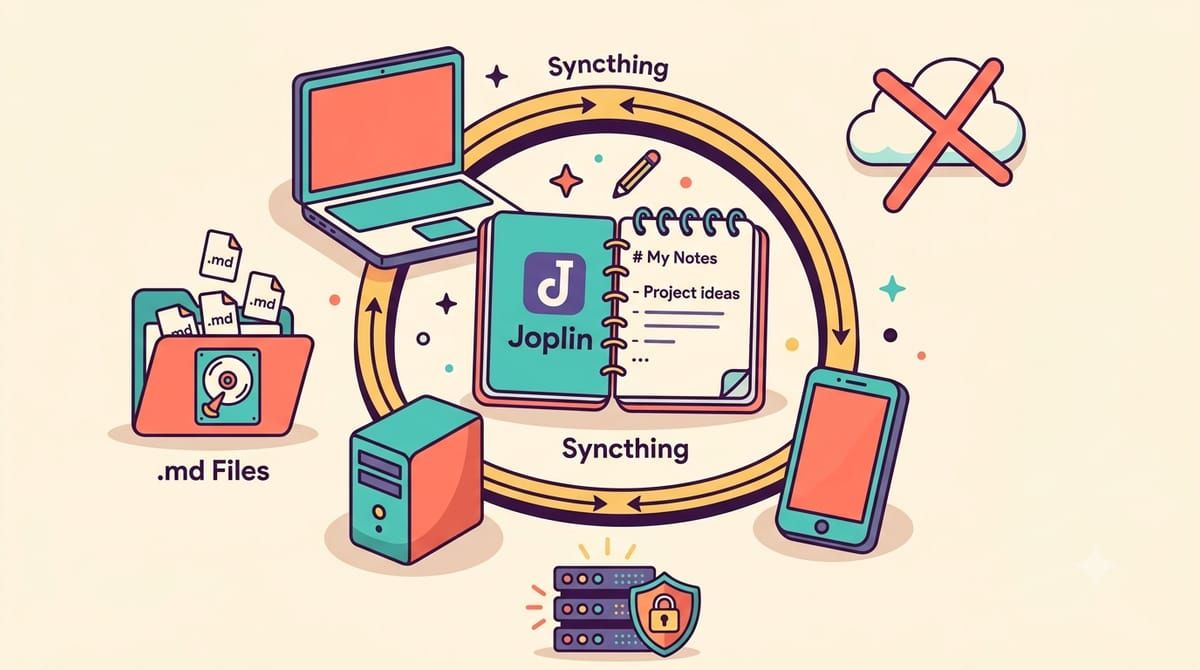
Joplin is the viewer I settled on, fifty-six thousand stars on GitHub, fully open source on every platform including the mobile apps, and the format underneath is the part that matters, plain markdown files in a folder, with notebooks and tags and checkboxes and images all living as text and files that any editor on earth can open. The feature list reads like a paid product, end-to-end encryption built in, a web clipper for saving pages from the browser, OCR that makes text inside attached images and PDFs searchable, note history so an accidental deletion is a scroll rather than a tragedy, and synchronization with more backends than I can count, which is where this post actually lives.
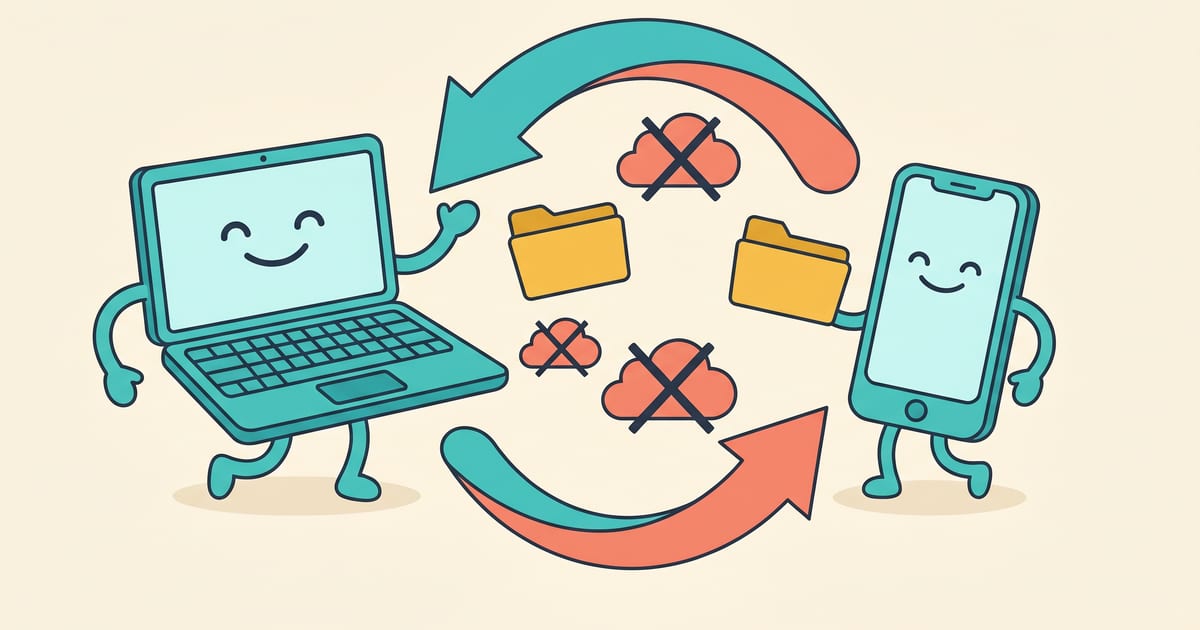
Because the sync backend I use is the one this blog already covered, and it is a folder. Joplin’s sync target gets set to the file system, pointed at a directory, and that directory is a Syncthing shared folder between my laptop and my server and my phone, and just like that my notes sync across every device with no server component to run, no account with anyone, no subscription, the exact same plumbing that keeps my photos moving between machines, and the notes app itself never talks to the internet at all.
The setup takes fifteen minutes and the order of operations is the only trick. Install Joplin on the desktop, create the sync directory, set the sync target to File System in the configuration screen and point it at that directory, run a full synchronization so the folder fills with Joplin’s database files, and then add that folder to Syncthing on the server and the phone, with the phone’s Joplin pointed at its local copy of the same folder through the file system target. The end-to-end encryption toggle lives in the sync settings and encrypts everything before it touches the folder, which matters on a shared machine and matters less on my own disk, so I run it because the cost is nothing.
The honest tradeoffs, because every sync scheme has them, are that file system sync is happiest with one editor at a time, so my phone and laptop both editing the same note in the same minute produces a conflict copy rather than a merge, rare in practice and visible when it happens, and the initial sync across Syncthing is a full database transfer rather than a delta, which is a one-time wait. The phone app is functional rather than beautiful, and the search is fast enough that I stopped noticing it, which is the highest compliment I pay search.
What this arrangement buys over running a notes server is the absence of a thing to maintain, no database to back up separately, no container to update, no service to expose, the notes are files, Syncthing is the network, and the backup is the same Restic job that guards everything else because the folder already sits inside its path. When Joplin eventually goes the way of Evernote, and everything goes the way of Evernote eventually, the export is a matter of pointing a different app at the same markdown, or opening the files in a text editor and reading them like it is 1999.
Twelve years of thinking now lives in a folder that four dead apps failed to take with them, synced by software with no business model to change, encrypted before it travels, and readable by anything I will ever install. The apps keep dying, the notes keep not caring, and that is what owning your data actually feels like.
If a decade of notes deserves a decade more, subscribe to the newsletter.