The invoice from my PaaS provider was the push, because hobby projects that cost nothing for years had entered the tiered pricing era, and between the hosting plan and the bandwidth overages and the per-seat collaboration features I will never use, the bill for three small side projects was heading toward what my entire home server costs in a year. The platforms are genuinely good products and I do not want to pretend otherwise, but git push and a build and a URL is not a technology that should cost a subscription, it is an evening of software, and sixty-one thousand GitHub stars say other people did the same math.
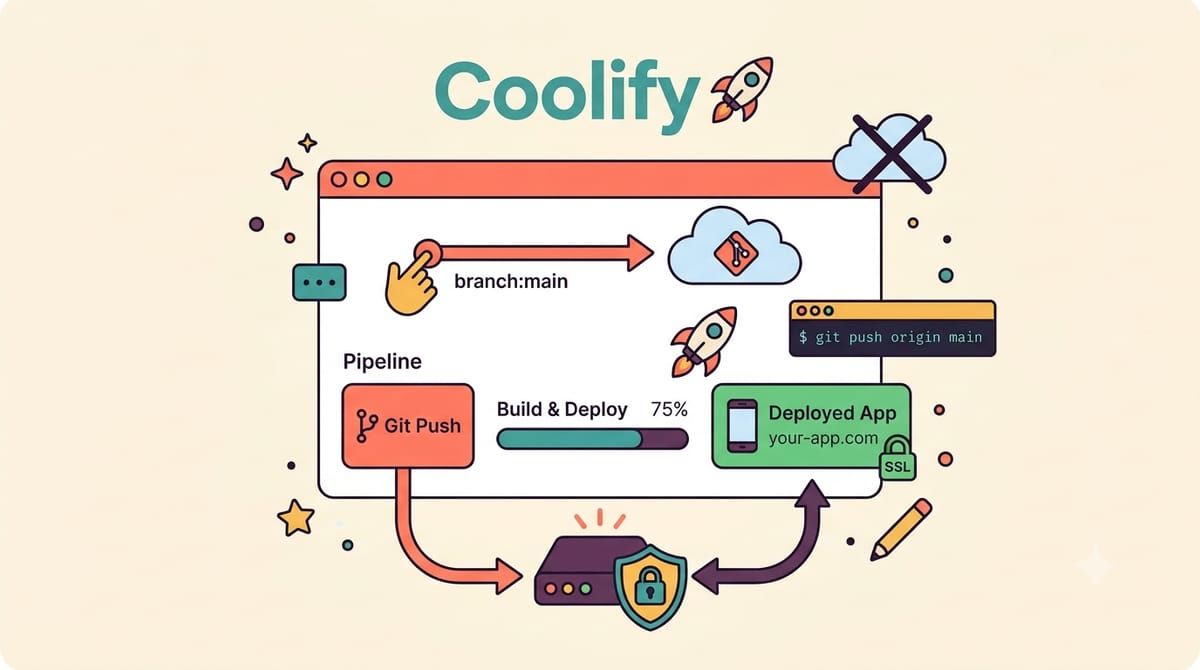
Coolify is that evening, an open-source self-hostable platform-as-a-service, the most starred project in this entire research series, and the pitch is the whole workflow you know from Vercel and Heroku running on a server with your name on the invoice. You connect a git repository, it builds your app on every push using Nixpacks or your Dockerfile or your compose file, it issues Let’s Encrypt certificates automatically, it gives you logs and rollbacks and environment variable management, it spins up a preview deployment for every pull request, and it can manage additional servers over SSH so one dashboard runs your whole fleet.
The install is one command on a fresh server, and I mean fresh, because this is the one place where I will tell you to buy a small VPS instead of using the homelab box you already love.
curl -fsSL https://cdn.coollabs.io/coolify/install.sh | bashThe script brings the whole platform as containers, the dashboard on port 8000, a PostgreSQL for its own state, a websocket server for the live build output, and its own Traefik reverse proxy that takes over ports 80 and 443, which is the sentence that matters most in this post. Your existing stack probably has Caddy or something else already living on those ports, and Coolify wants to be the front door, so the clean move is a dedicated five-dollar VPS for Coolify where it can own the edge, while the homelab keeps running the media and photos and everything else behind its own proxy, and the two talk over your Headscale tunnel when they need each other.
After the installer, the dashboard walks you through pointing a domain at the server and creating the admin account, and then the flow that replaces the subscription, you add a GitHub or GitLab or Bitbucket source, authorize it, pick a repository and a branch, and Coolify detects the stack and builds it, with a webhook wired back to your repo so every push to main deploys and every pull request gets its own preview URL with its own database if you ask for one. Static sites and Node and Python and Go all build out of the box, Docker compose files deploy as stacks, and the one-click service catalog installs things like Plausible and n8n and Postgres instances with the credentials handled, which is how I moved two side projects and a client dashboard in one evening.
The honest tradeoffs, because this is a blog that does those, are that you are now the platform team, which means OS updates and disk monitoring are yours, that builds run on the same box as everything else unless you attach workers, so a heavy build can make your sites briefly lonely, and that the platform is moving fast enough that reading release notes is part of the deal, in the good way but still a way. Backups matter here more than anywhere else in my stack, because Coolify holds the deployment history for everything, so its PostgreSQL volume joined the Restic rotation on day one.
The side projects deploy the way they always did, push and watch the logs scroll, the preview URLs made code review with a friend feel professional, and the monthly cost dropped from a growing subscription to the price of a coffee. Heroku taught a generation what deploying should feel like, and then kept raising the price of the feeling, and the feeling turns out to fit on a five-dollar server.
If git push should deploy to a server with your name on it, subscribe to the newsletter.