I Read 50 Blogs a Day Without Opening a Browser. Here Is How.
troysk
June 10, 2026 · 2 min read
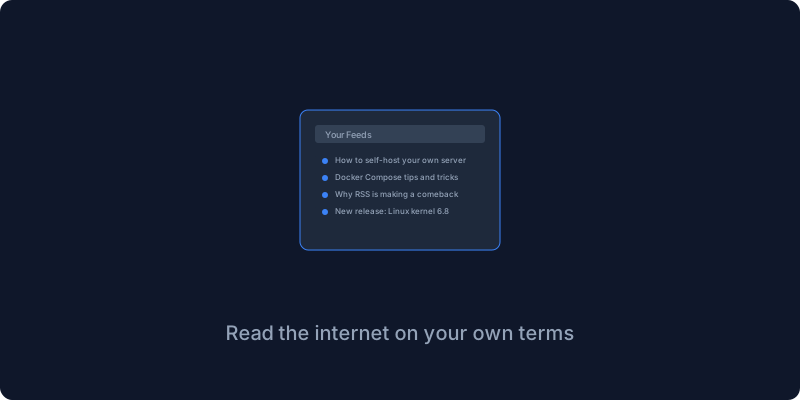
I follow a lot of blogs, self-hosting blogs and tech news and a few newsletters, and I was subscribed via email which meant my inbox had two hundred unread items at all times and I was constantly missing things I actually wanted to read. RSS readers solve this problem elegantly and FreshRSS is the best self-hosted one, giving you one place to read everything with no algorithms and no ads and just content in chronological order.
Social media algorithms decide what you see based on what keeps you engaged rather than what you actually want to read, and email newsletters clutter your inbox with messages that compete with personal correspondence. RSS puts you in control because you subscribe to exactly the sources you want and you read them in chronological order with nothing promoted and nothing hidden. I subscribe to fifty-plus blogs and I can read everything in about twenty minutes a day, and without FreshRSS I would miss most of them.
The Docker setup is straightforward, one service with volumes for data and extensions, and a cron environment variable that tells it how often to refresh feeds. You run docker compose up, open the installer, and the setup walks you through database configuration where SQLite is fine for personal use.
Adding feeds is as simple as pasting any blog URL because FreshRSS automatically finds the RSS feed without you hunting for the orange RSS icon that most sites have hidden away. I added Hacker News through an RSS bridge and my favorite self-hosting blogs and tech news sites and a few newsletters that offer RSS feeds.
The reading experience is clean and focused, like Gmail but for articles. Click an article to read it inline, mark it read when you are done, star it for later, filter by feed or category. I read through my feed twice a day in the morning and evening and everything gets read and nothing gets lost.
FreshRSS is compatible with any RSS client that supports the Google Reader API, which means you can use apps like NetNewsWire on iOS and Mac or FeedMe on Android or Fluent Reader on Windows. Configure your client with your FreshRSS server URL and API password and you have your entire feed collection available on every device.
Filters let you highlight articles with certain keywords or auto-tag articles by source or mark as read automatically for noisy feeds. I have a filter that highlights any article mentioning self-host or Docker so I never miss relevant content.
RSS is not dead, it is the best way to read the internet on your own terms without algorithms deciding what you see.
Give me your email and I will give you self hosting tips and recommendations.
Get New Articles
Weekly guides on self-hosting, privacy, and infrastructure.
No spam. Unsubscribe anytime.