The audit that finally scared me straight was grep, one command across the folder holding all my compose files, and it returned every password and API key I own in plain text, database credentials and the n8n encryption key and a cloud API token with billing attached, sitting in files that any process on the server can read, that any backup has copied, and that a careless git push on the wrong repository would have published to the world. I wrote a whole post about password managers for humans, and then looked at how the machines in my house store their secrets, which was a folder called configs and a prayer.
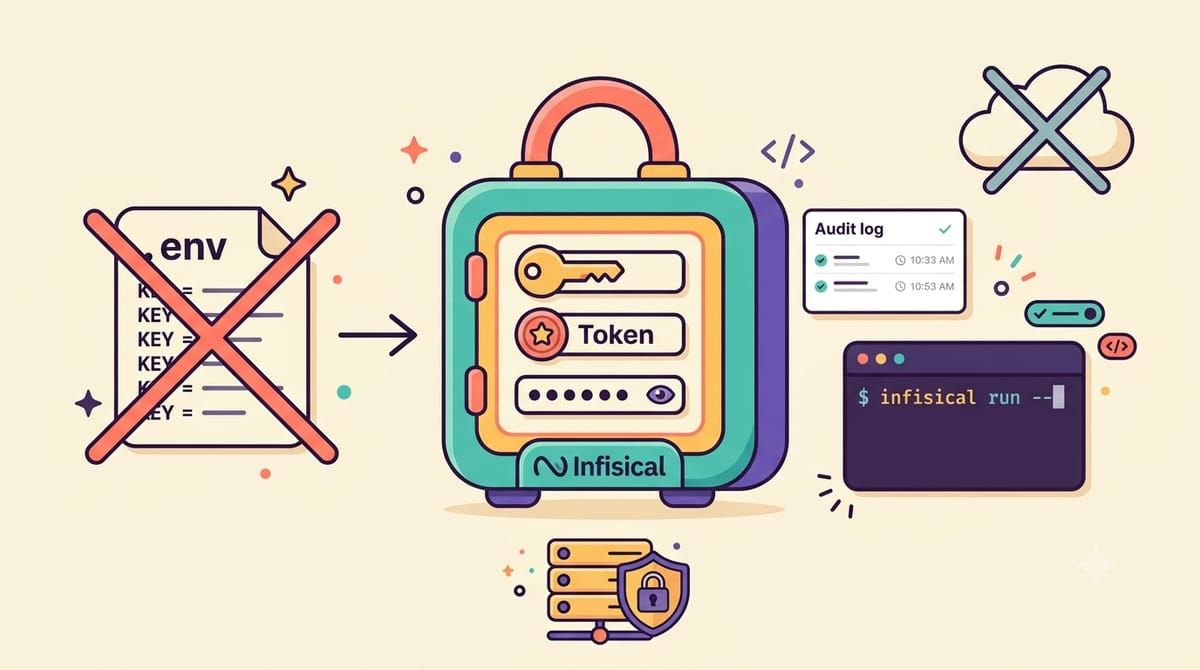
Infisical is the password manager for machines, twenty-nine thousand stars, open source, and the mental model is simple, a central encrypted store where every secret lives with a name, a value and an environment, plus the plumbing to get each secret to exactly the thing that needs it at runtime and nowhere else. Projects hold environments like development and staging and production, secrets reference each other so a database password updates in one place, every change is versioned with a diff, every read is in the audit log, and access is per-user or per-machine identity, so my backup script can read the Backblaze key and nothing else.
The runtime story is the part that changes habits, because the CLI wraps your command and injects secrets as environment variables, so infisical run -- docker compose up starts a stack where the compose file contains zero secrets, just references, and the values arrive in memory at start. Machine identities authenticate scripts and CI jobs with client IDs and credentials instead of a human’s login, which is how the nightly backup authenticates to fetch its key, and there is a public API and integrations for the platforms I do not use but you might.
The compose file is three services, the app, its PostgreSQL and a Redis for queues.
services:
  backend:
    image: infisical/infisical:latest
    restart: unless-stopped
    ports:
      - "80:8080"
    depends_on:
      db:
        condition: service_healthy
      redis:
        condition: service_started
    environment:
      NODE_ENV: production
      ENCRYPTION_KEY: generate-with-openssl-rand-hex-16
      AUTH_SECRET: generate-with-openssl-rand-base64-32
      DB_CONNECTION_URI: postgres://infisical:a-real-password@db:5432/infisical
      REDIS_URL: redis://redis:6379
      SITE_URL: https://secrets.yourdomain.com

  db:
    image: postgres:14-alpine
    restart: unless-stopped
    environment:
      POSTGRES_DB: infisical
      POSTGRES_USER: infisical
      POSTGRES_PASSWORD: a-real-password
    volumes:
      - pg_data:/var/lib/postgresql/data
    healthcheck:
      test: "pg_isready --username=infisical"
      interval: 5s
      timeout: 10s
      retries: 10

  redis:
    image: redis:alpine
    restart: unless-stopped
    volumes:
      - redis_data:/data

volumes:
  pg_data:
  redis_data:
Behind Caddy the app picks up HTTPS at the SITE_URL you set, the first visit creates your account, and then the work of the weekend begins, which is moving every secret from every env file into projects with real names. Two keys in that compose file deserve more than their inline comments, because the ENCRYPTION_KEY encrypts every secret value in the database, which means losing it loses everything, so it goes into the offline backup with the same seriousness as the Vaultwarden key, and the image tag should be pinned to a real version for exactly the reason their own example file shouts, a secrets manager that updates itself silently is a secrets manager you cannot reason about.
The gotcha that got me was scope discipline, because the tool makes it easy to give one machine identity access to a whole project, and the whole point is that it should not, so every identity I create gets the narrowest environment and folder that works, and the audit log earned its keep the first week by showing me a script still reading a credential I thought I had retired.
The grep that started this now returns nothing, the compose files reference names instead of values, the git history holds no keys, and every secret that exists is versioned and attributed and revocable in one place. The machines finally follow the same rule the humans do, nobody keeps a password in a text file, and the one place that does hold them is encrypted, backed up and mine.
If your secrets deserve better than a text file, subscribe to the newsletter.