Getting Started with Self-Hosting: A Beginner's Guide
troysk
May 10, 2026 · 5 min read
I remember the first time I tried to set up a server. I was twenty-two and I had just read an article about running your own email and I thought, how hard could it be. Very hard, as it turned out, because I did not understand DNS or ports or firewalls or any of the other pieces that make the internet actually work. I spent a weekend failing at Postfix configuration and gave up, convinced that self-hosting was something only real sysadmins did. It took me another five years to try again, and by then the tools had gotten so much better that I felt foolish for having waited.
Self-hosting is the practice of running your own services on hardware you control instead of relying on third-party platforms, and it gives you privacy and autonomy and a deep understanding of how the internet actually works that you cannot get any other way. If you have ever felt uneasy about storing your photos on Google Photos or your notes in Notion or your files on Dropbox, self-hosting is the answer, and the barrier to entry has never been lower.
Before diving in you need three things. A server, which can be a Mini ITX PC you built yourself or a spare desktop sitting in your closet or even a refurbished laptop. A domain name, which costs around ten dollars a year from Namecheap or Cloudflare and gives you a proper address for your services instead of typing IP addresses like some kind of caveman. And basic terminal comfort, meaning you should know how to navigate directories and edit files and run commands without panicking when something goes wrong.
If you are completely new to Linux I would recommend spending an hour on a terminal tutorial first. It will save you hours of frustration later and the investment pays for itself the first time you need to debug something.
For beginners I recommend starting with what you already have. I run everything on a refurbished Intel i3 8th gen machine in a Mini ITX cabinet with 32 gigs of RAM that I built for cheap, and it handles twenty-plus Docker containers without breaking a sweat. The beauty of self-hosting at home is that once you have the hardware the monthly cost is just the electricity to run it.
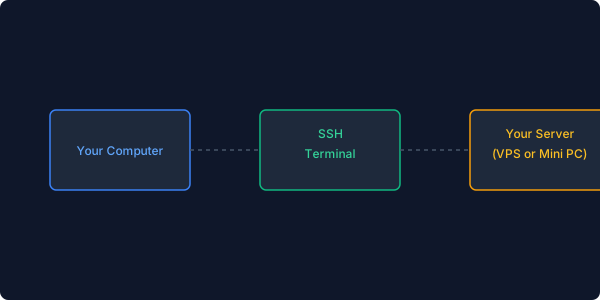
Once you have your server you SSH into it and run the basics. Update your packages, install Docker using the convenience script they provide, add your user to the Docker group so you do not have to type sudo before every command. Log out and back in and verify that Docker works by running the hello-world container. If you see the welcome message you are ready for the next step.
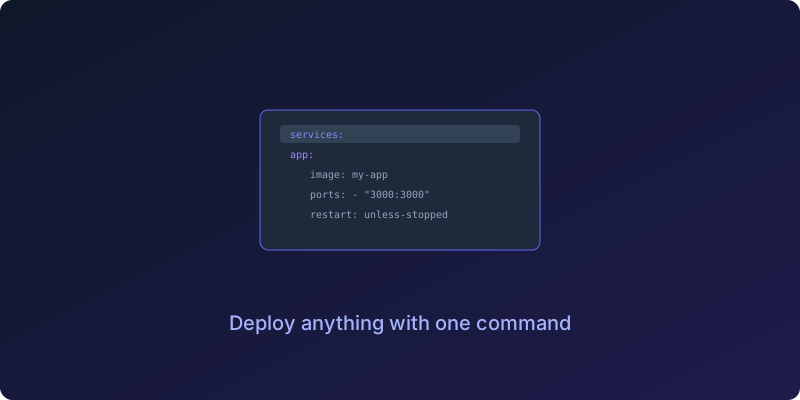
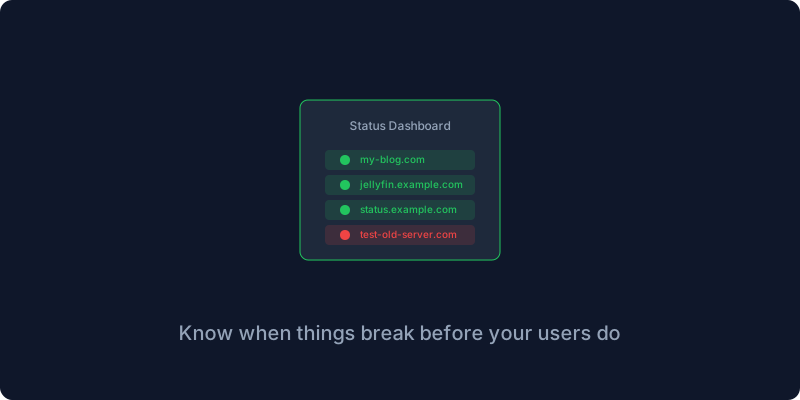
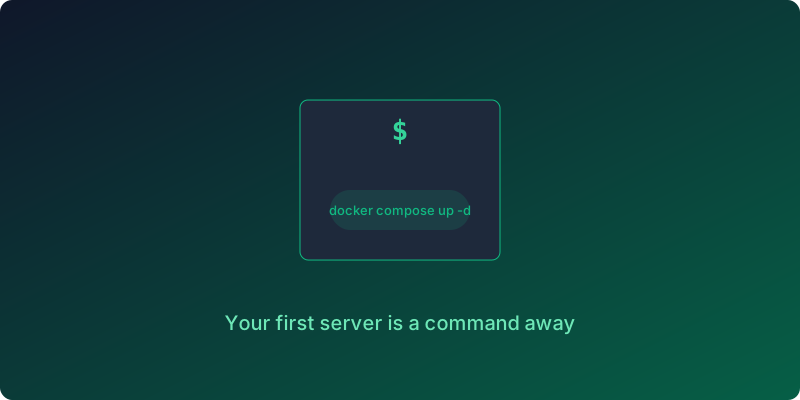
Let me walk you through deploying your first service, which should be something simple and high-reward so you can see results immediately. I recommend Uptime Kuma, a monitoring tool that pings your websites every minute and shows you a green checkmark or a red X. Create a directory for it, write a docker-compose.yml file with the service definition, and run docker compose up -d. Open your browser to your server’s IP on port 3001 and you will see the Uptime Kuma setup screen. You are now self-hosting. It took five minutes.
The next thing you will want is a reverse proxy, which lets you use domain names instead of IP-colon-port combinations and handles SSL certificates automatically so your connections are encrypted. There are many options but Caddy is the simplest, with a configuration format that is almost readable as plain English. Point your domain to your server’s IP with a Cloudflare Tunnel so you do not need to worry about your home IP changing, write a Caddyfile that maps each subdomain to the corresponding internal port, and Caddy will provision Let’s Encrypt certificates for you automatically. Now you can access your services at names like status.yourdomain.com from anywhere in the world.
Once you are comfortable with Docker and reverse proxies the world opens up. File storage with Nextcloud, password management with Vaultwarden, media streaming with Jellyfin, note-taking with BookStack or Outline, monitoring with Uptime Kuma and Grafana. Each one takes about the same amount of effort as that first Uptime Kuma deployment, and after the first few you will develop a rhythm that makes adding new services feel routine.
A few principles I have learned the hard way over years of breaking things. Start small and run one service well before adding ten, because each new service is another thing that can fail and another thing you need to keep track of. Back up everything before you need it, which means automate your backups on day one not on the day after your disk dies. Document your setup because you will thank yourself in six months when you need to restore from that backup you set up. Join the community at r/selfhosted and the various Discord servers because other people have already made every mistake you are about to make and they are usually happy to share what they learned.
Self-hosting is a journey not a destination. You will break things and learn from the breakage and eventually build a setup that is more reliable and more private than any cloud service you could pay for. The first time you access a service running on your own hardware from your phone while sitting in a coffee shop, you will feel something that is hard to describe. It is not quite pride and not quite relief. It is more like the feeling of realizing that the internet is not just something you consume but something you can participate in building.
Ready to go deeper? Our guide on Docker Compose walks through the single most important tool in a self-hoster’s arsenal.
Give me your email and I will give you self hosting tips drawn from years of breaking things so you do not have to.
Get New Articles
Weekly guides on self-hosting, privacy, and infrastructure.
No spam. Unsubscribe anytime.