Stop Typing Docker Commands: Manage Everything with Portainer
troysk
May 14, 2026 · 4 min read
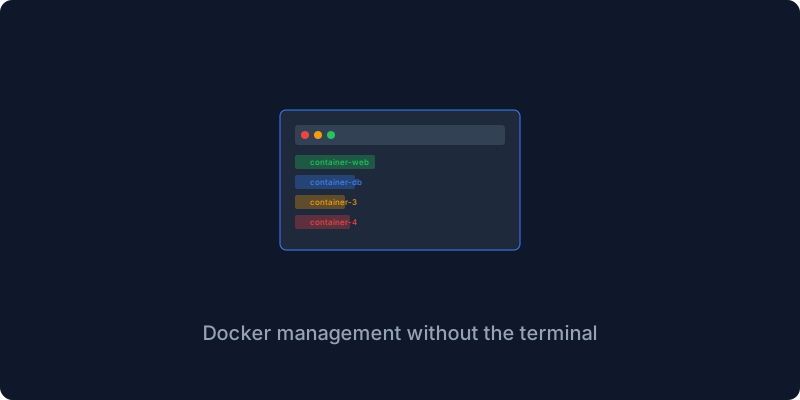
I have a confession to make. For years I managed Docker entirely through the terminal, running docker ps and docker logs and docker compose up over and over like some kind of digital peasant, and I felt a certain pride in it because using the terminal felt like real work and real work felt virtuous. Then someone showed me Portainer and I felt stupid, not because Portainer is complicated but because I had been doing things the hard way for so long without even questioning whether there was a better approach.
Portainer is a web UI for Docker and that one sentence does not capture how much friction it removes from the daily operations of running a server. Think about every time you SSH into a machine to check why a container crashed. You run docker logs and scroll through hundreds of lines and squint at timestamps and miss the error because your terminal buffer is too small. With Portainer you click the container, click Logs, see it in a proper UI with search and highlighting and filtering. Think about every time you need to restart a stack. You SSH in, navigate to the directory, type docker compose restart, wait. With Portainer you click a button. This is not laziness, this is leverage, because every minute you spend fighting your tools is a minute you could spend building something.
Portainer runs as a Docker container itself and it needs access to the Docker socket to manage everything on your system. The setup is a single compose file with one service, one volume for its data, and the Docker socket mounted in. You run docker compose up, wait ten seconds, open port 9000, create an admin password, and you are looking at a dashboard that shows every container image volume and network on your system in a format that a human can actually read.
The dashboard shows you running and stopped and paused containers, all the images you have downloaded and how much space they are using, your persistent volumes, your networks, and your stacks. It is everything the docker commands show you but rendered as something that makes sense at a glance instead of a wall of text. The first time I saw it I realized how much mental overhead I had been carrying trying to keep track of all the different services and their statuses.
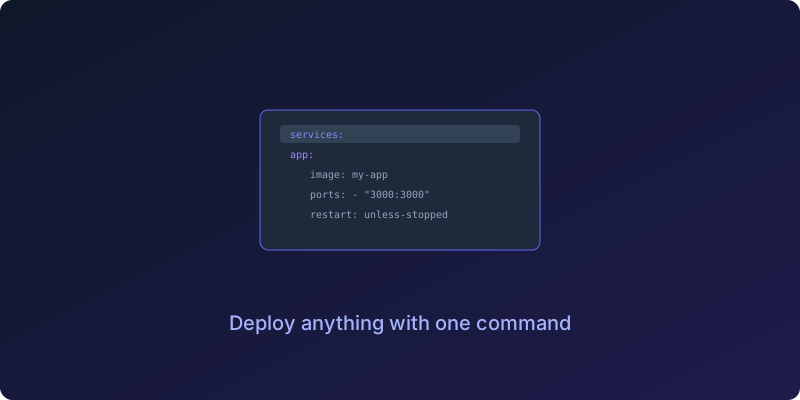
Where Portainer really shines is deploying stacks from the UI. You click Stacks, Add Stack, give it a name, paste your compose YAML, and click Deploy the Stack. That is it, you just deployed a service without touching the terminal. Portainer even shows you the live logs during deployment so if something fails you see exactly where without having to chase down error messages.
Portainer ships with a library of app templates that let you deploy common services with one click. Nginx, MySQL, Postgres, WordPress, Traefik, and many more are available right in the UI. Click one, fill in a name, click Deploy, and you have a running database without writing a single line of YAML. I stopped writing compose files for Postgres a year ago because the Portainer template handles everything.
After running Portainer for two years the features I use daily are the searchable logs that let me find errors without scrolling through terminal history, the stack deployer that turns compose files into running services with one click, the real-time CPU and memory and network stats that let me see when something is misbehaving, and the volume browser that lets me see what files are in a volume without mounting it somewhere.
One thing nobody tells you is that Portainer runs on port 9000 by default and you should put it behind a reverse proxy with HTTPS and never expose the admin port directly to the internet. I learned this the hard way and you do not have to.
A few alternatives are worth mentioning if Portainer does not suit your taste. Dockge has a cleaner UI focused on compose stacks but is less feature-rich. Yacht is open source and visually appealing but still maturing. CasaOS is a full home server OS with an app store that targets a different audience entirely. For me Portainer CE is the sweet spot because it is free, mature, and handles everything I throw at it.
Go install it. Your terminal will thank you for the break.
If this resonates why not subscribe to the newsletter? I write about Docker and self-hosting and making your life easier with the right tools.
Get New Articles
Weekly guides on self-hosting, privacy, and infrastructure.
No spam. Unsubscribe anytime.