My House Got Smarter When I Stopped Using Smart Home Cloud Services
troysk
May 28, 2026 · 3 min read
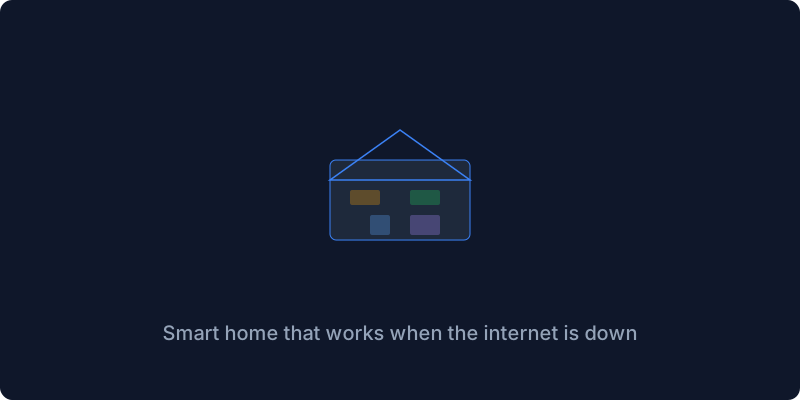
I had smart lights and smart plugs and a smart thermostat all controlled from my phone, and then my internet went down and my lights would not turn on and my thermostat was stuck and I realized I had a smart home that was dumber than a house from 1950. That was the day I switched to Home Assistant, which is the most popular open-source home automation platform with eighty-seven thousand GitHub stars, and it runs locally on your server and connects to more than two thousand devices and services without requiring any cloud at all.
Every smart home company wants you to use their cloud because that is how they collect your data and lock you into their ecosystem. Philips Hue needs their bridge, TP-Link needs their app, Google needs your voice data. Home Assistant is the opposite, it talks to your devices directly over your local network using protocols that do not require internet access, so when your ISP goes down your lights still work and your automations still run and your thermostat still adjusts the temperature.
The Docker setup is a single service with a config volume and privileged mode for hardware access. You run docker compose up, open port 8123, and the onboarding walks you through creating an account and setting up your home. Home Assistant auto-discovers devices on your network so most of them appear without any configuration. I have thirty-plus devices connected and most were auto-discovered, the ones that were not took about two minutes to configure manually.
Creating automations is where Home Assistant becomes genuinely magical. The automation editor is visual so you do not need to write YAML, but the YAML mode is there if you want more control. My most-used automation runs every night at eleven, turning off all the lights in the living room and kitchen and setting the bedroom thermostat to twenty-two degrees. One button press before bed, all lights off, thermostat set, every night without fail.
The dashboard builder lets you create custom views for different aspects of your home. I have a home dashboard with current temperature and lights status and who is home, an energy dashboard with solar production and power consumption and gas usage, a cameras dashboard with live feeds from my doorbell and security cameras, and a server room dashboard that shows CPU and RAM and disk usage of my homelab. The energy dashboard is especially useful because I found my old refrigerator was using three times the power of a newer model, and replacing it saved me five hundred rupees a month.
Voice control works locally through Home Assistant’s built-in voice assistant pipeline. I use the local Whisper model for speech recognition running on my server, so no data is sent to Google or Amazon when I say hey Jarvis turn on the bedroom light. It works every time and it works offline.
Home Assistant turned my collection of smart devices into something that actually feels smart, with automations that work without me thinking about them and control that does not depend on a cloud server being reachable. Your smart home should work when the internet is down and mine does now.
If this resonates why not subscribe to the newsletter? I write about smart homes and self-hosting.
Get New Articles
Weekly guides on self-hosting, privacy, and infrastructure.
No spam. Unsubscribe anytime.