The night I opened auth.log out of curiosity was the night my server stopped feeling like mine, because a single IP had spent three days trying username and password combinations against my SSH port, patiently, every few seconds, thousands of attempts, and the log was not an anomaly, it was the average, every machine on the public internet gets this from the moment it gets an address, and the only question is whether your box is boring enough to survive it. This is the post I needed that night, the hardening pass I now run on every server I touch, in order, because the order matters, the cheapest fixes first and the paranoid ones after.
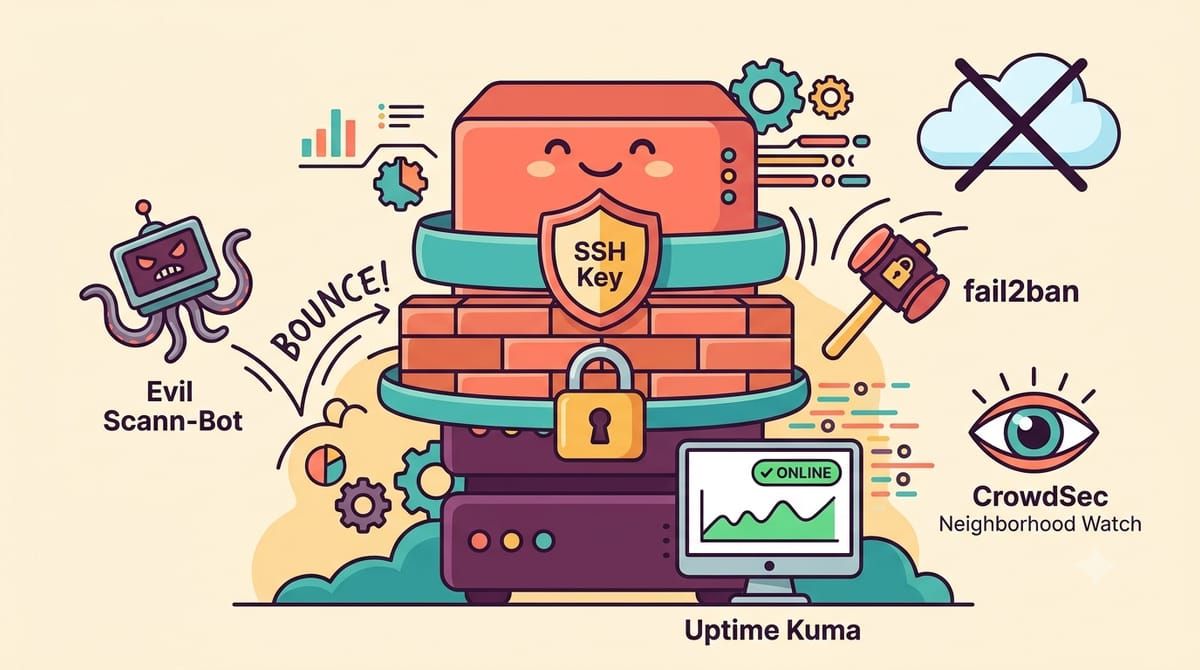
The first layer is SSH, the door you actually use, and the fix is to make password logins impossible so the three-day brute force becomes noise against a locked wall. Generate a key pair, put the public half on the server, confirm key login works from a second terminal, and only then set PasswordAuthentication no in the sshd config and restart the daemon, because the order there is the difference between hardening and locking yourself out, a distinction I learned from the wrong side. While you are in there, disable root login directly, and if your threat model enjoys a little more friction, move SSH off port 22, which stops nothing determined but empties the loudest logs, and the log you can actually read is the log you will keep reading.
sudo apt install -y fail2ban ufw
sudo ufw default deny incoming
sudo ufw default allow outgoing
sudo ufw allow 22/tcp
sudo ufw allow 80,443/tcp
sudo ufw enable
sudo systemctl enable --now fail2ban
The firewall comes next, and the rule that shapes everything else is default deny incoming, then allow exactly what you serve, SSH and the web ports, and nothing else, which turns the machine from a building with every window open into a building with two doors. Every database and cache and message broker in my compose files stays off the public interface entirely, no published port, reachable only on the internal Docker network, because Redis without a password on a public port is one of the most exploited things on the internet and I have seen the scanning traffic that proves it. fail2ban watches the logs for the patterns that repeat and bans the addresses doing the repeating, which is automation for the lesson auth.log taught me manually.
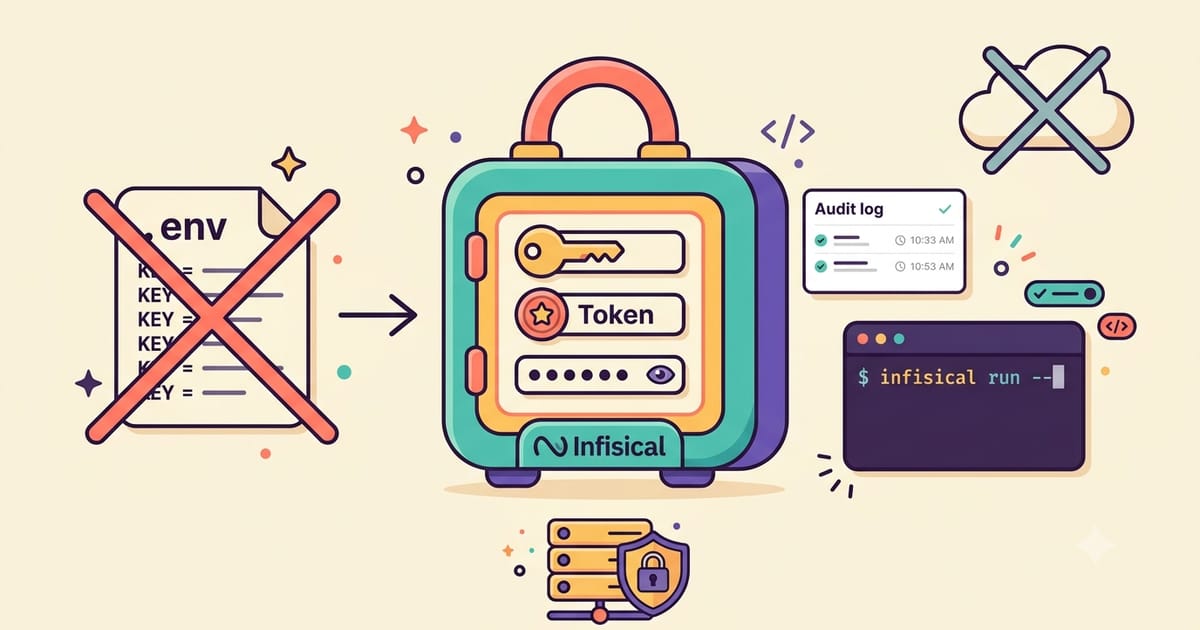
The containers are the next perimeter, and the habit that matters most is running as a non-root user inside them, a user directive and a PUID and PGID where the image supports it, because a container that gets compromised escapes with the privileges you gave it and nothing more. Where an image allows it I add read_only file systems with explicit writable volumes, drop unneeded capabilities, and keep images pinned to real versions rather than floating latest, not for stability this time but for accountability, when a CVE lands I want to know in one command whether I am running the vulnerable tag. The secrets themselves moved into Infisical after the incident I wrote about, because a compose file full of plaintext credentials is a hardening post waiting to be written about me.
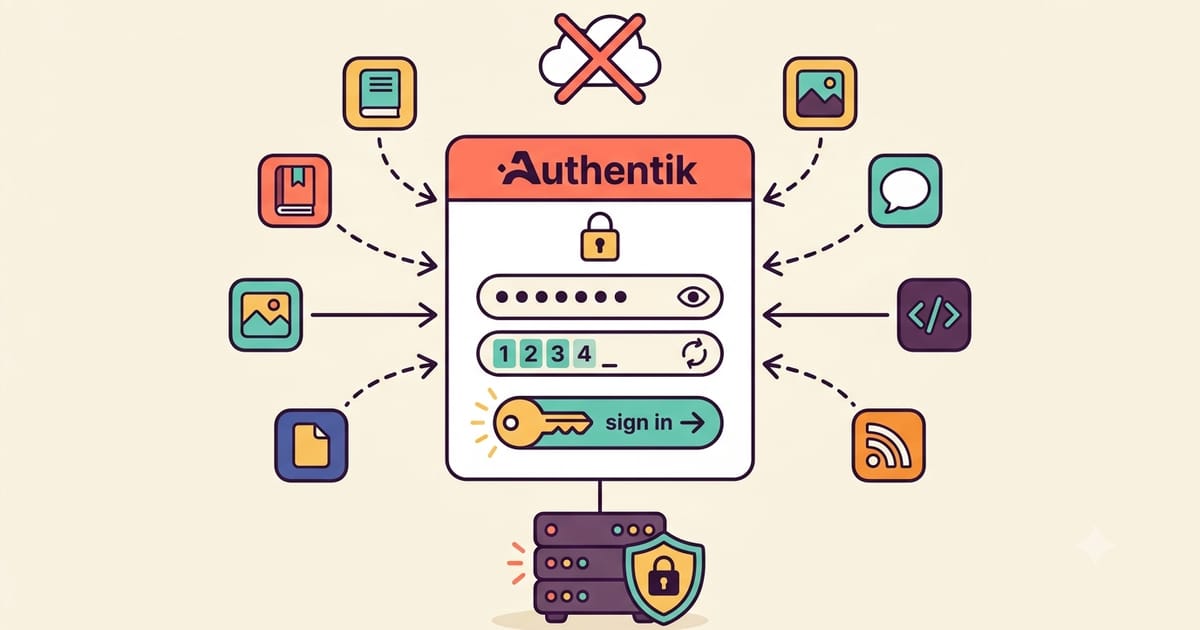
The web layer is where most self-hosters actually live, and the two moves there are TLS everywhere through Caddy so nothing crosses the internet in the clear, and single sign-on in front of the services that have weak or no auth of their own, which for me means Authentik’s forward auth wrapping every admin panel and every tool that thinks a LAN is a security boundary. CrowdSec sits at the edge as the grown-up version of fail2ban, reading the logs from Caddy and the services and banning the scanning behavior it recognizes, with the shared community blocklist feeding it signatures from everyone else’s attacks, which is the closest thing the self-hosted world has to a neighborhood watch.
Monitoring closes the loop, because hardening is not a state, it is a practice, and the practice needs instrumentation. Uptime Kuma notices when a door stops opening, Healthchecks notices when the jobs that rotate credentials and renew certificates stop running, and ntfy carries it all to my pocket, so the night something scans and gets in, if that night ever comes, the evidence arrives as an alert instead of a discovery three weeks later in a log nobody opened.
None of this is exotic, it is an afternoon of unglamorous work that makes your server the boring target, and boring is the goal, because attackers enumerate and the machines that answer correctly on the first three questions get skipped for easier ones. The stranger in my logs eventually moved on, the log now shows attempts that all fail in one packet each, and the server hums with the specific quiet of a machine that knows exactly which doors it has.
If your logs should be boring, subscribe to the newsletter.