I Replaced Gmail with My Own Email Server (And Survived)
troysk
June 4, 2026 · 3 min read
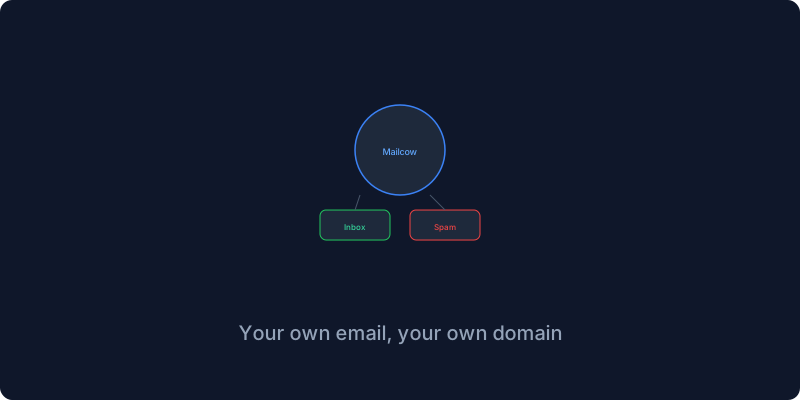
Everyone told me not to run my own email server because email deliverability is impossible and you will end up in spam folders and you should just use Gmail. They were right that it is hard. I landed in spam and my DNS was wrong three times and I spent hours debugging why my emails were not arriving. But I fixed it and now I have email that nobody reads but me, and Mailcow is the easiest way to get there because it bundles Postfix and Dovecot and SpamAssassin and ClamAV and a webmail client into one Docker stack.
Self-hosting email is the hardest thing in this entire guide series. DNS configuration is unforgiving because one wrong SPF record sends your emails to spam, and many ISPs block port twenty-five by default which prevents you from sending mail at all. You need a domain that does not use Gmail or Outlook for email, and an ISP that does not block port twenty-five or a server on a network that allows SMTP traffic, and patience to debug DNS for an hour. If you are not ready for that, use a mail forwarding service like ImprovMX with a self-hosted IMAP server instead.
Before installing anything you configure your DNS with MX records pointing to your mail server and SPF records that declare which servers are allowed to send email for your domain. Set these first and wait for propagation because if you try to test before DNS propagates you will confuse yourself about whether the problem is your configuration or your DNS.
Mailcow is installed by cloning their GitHub repository and running a configuration generator that asks about your domain and timezone. You edit the generated config file, run docker compose pull and docker compose up, and it starts about twelve containers including the webmail server and the spam filter and the antivirus. The first run takes a few minutes while everything initializes.
The DKIM configuration is the step that trips most people up. Mailcow generates DKIM keys that sign your outgoing emails so receiving servers can verify they came from you, and you need to add the public key as a TXT record in your DNS. Without DKIM your emails will be marked as spam by Gmail and Outlook and most other providers. I learned this after sending fifty test emails that all landed in the spam folder.
Creating mailboxes is straightforward through the admin interface, and the webmail client supports calendar and contacts sync through CalDAV and CardDAV so you can connect it to your phone’s native mail app. The IMAP and SMTP settings for connecting email clients follow the standard conventions with SSL on port nine ninety-three for incoming and STARTTLS on port five eighty-seven for outgoing.
Even with perfect DNS configuration some providers will initially mark your mail as spam. Warming up the IP by sending a few emails daily for a week, checking blacklists through tools like MXToolbox, and monitoring the mail server logs all help. After about a month my deliverability stabilized and now emails land in inboxes ninety-five percent of the time.
Self-hosting email is not for everyone and it is the most advanced thing you can do in self-hosting, but having email on your domain that does not pass through Google’s servers is worth the effort.
If you have thoughts on this do email me or subscribe to the newsletter for more advanced self-hosting guides.
Get New Articles
Weekly guides on self-hosting, privacy, and infrastructure.
No spam. Unsubscribe anytime.