I Finally Ditched LastPass and Never Looked Back
troysk
May 25, 2026 · 3 min read
LastPass got breached and then they got breached again and then 1Password decided to charge five hundred and fifty rupees a year, and I had enough. I moved my entire password vault to Vaultwarden, which is a lightweight Rust implementation of the Bitwarden server that runs on a Raspberry Pi with twenty megabytes of RAM and gives me all my passwords self-hosted and free.
The reason I chose Vaultwarden over the official Bitwarden server is that Bitwarden’s server is written in C-sharp and requires the .NET runtime and SQL Server and at least two gigs of RAM. Vaultwarden is written in Rust, one binary, uses SQLite, and runs in twenty megabytes of RAM on a Raspberry Pi. Same clients, same features, one hundred times lighter. And because it is fully compatible with Bitwarden’s official apps, you use the same browser extensions and mobile apps and desktop apps that Bitwarden users do.
The compose file is straightforward, one service with a volume for data and a few environment variables. You set SIGNUPS_ALLOWED to true to create your account and then change it to false immediately so nobody else can sign up on your instance. You also set an ADMIN_TOKEN that gives you access to the admin panel for managing users and settings.
services:
  vaultwarden:
    image: vaultwarden/server:latest
    ports:
      - "8080:80"
    volumes:
      - data:/data
    environment:
      - SIGNUPS_ALLOWED=true
      - ADMIN_TOKEN=your_admin_token_here
    restart: unless-stopped
The clients are the Bitwarden apps that you already know. You search your app store for Bitwarden, install the browser extension or mobile app or desktop app, and change the server URL to your Vaultwarden instance. Log in with the credentials you created and your entire vault syncs to your own server.
Importing from your old password manager is handled through Bitwarden’s import tools which support LastPass and 1Password and Chrome and Firefox and Dashlane and KeePass and fifty other formats. You export from your old manager, upload the file to Bitwarden web vault, and your vault is migrated. Delete your old account after confirming everything imported correctly.
Two-factor authentication is critical and Vaultwarden supports it through the standard authenticator app workflow. Enable it in your settings, scan the QR code with your authenticator app, and now even if someone gets your master password they cannot access your vault without the six-digit code from your phone.
Vaultwarden supports organizations for sharing passwords with family members, which is a feature that Bitwarden charges extra for. You create an organization, invite family members, and share passwords like the Netflix account or the home server admin credentials. Everyone gets their own vault plus access to shared items and nobody has to share passwords over WhatsApp anymore.
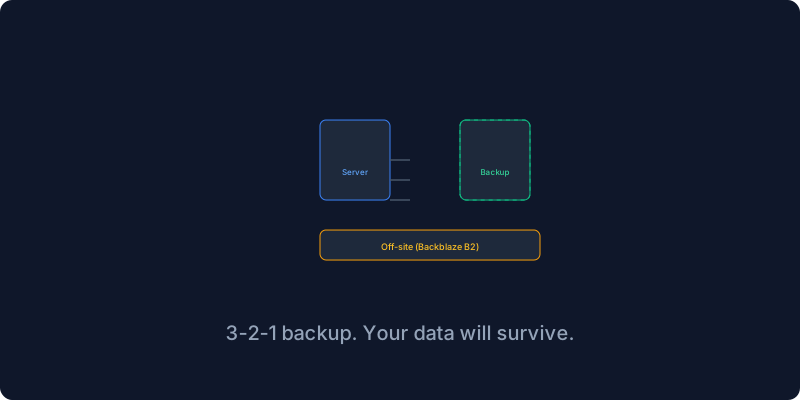
The most important step is backing up your vault because if your Vaultwarden server dies you lose your passwords. I back up the data directory daily to my NAS and weekly to Backblaze B2, and I test my backup by restoring it to a test container. The first time I did this I discovered my backup script had been silently failing for a month, which was a scary ten minutes, but I fixed it and now I test every month.
Password managers are one of the few things that literally everyone needs and Vaultwarden solves this for free on your infrastructure with the best possible client support through Bitwarden’s official apps. Your passwords should be yours and not a breach waiting to happen.
If this resonates why not subscribe to the newsletter? I write about security and self-hosting.
Get New Articles
Weekly guides on self-hosting, privacy, and infrastructure.
No spam. Unsubscribe anytime.